BrightSign Configuration Instructions Using BSN Cloud
Written By Ed Kinne
BrightSign devices have a cloud control system, BSN Cloud, which is used to manage the hardware-level settings, including installing the Korbyt partner application that will allow your device to connect to your Korbyt Tenant.
You will need to connect your player to a BSN Cloud account if you wish to have remote access to the BrightSign hardware configuration for settings such as Firmware, network, and Partner Application Installation.
BrightSign BSN Resources
BrightSign provides guidance in videos and articles for creating or using your BSN Cloud to install a partner application.
BrightSign Support Provisioning Article
When creating your BrightSign Setup file that will configure your device
In the Publishing Mode section select Partner App and then Korbyt
If you have installed a Wi-Fi card in your BrightSign (not default equipment), you will need to review - BrightSign Network Options - WiFi, and enter the settings for your WiFi network into the BrightSign Setup as well
Apply your new Setup File to your player or network
Your player may reboot several times over the next several minutes as the configuration is updated and applied to your device
CAUTION: Ensure your Brightsign device is on an appropriate version of Brightsign Firmware
Check the BrightSign Player Agent Version Release Notes for the latest version of BrightSign Firmware and Korbyt Software Agent for your device
A BrightSign that is running unsupported Firmware will not function normall
If you need guidance on changing your BrightSign’s firmware see
How To Downgrade Or Upgrade Your Brightsign Players Firmware
During this process, your player may restart several times.
Once your BrightSign has loaded the Korbyt Player Software, you should see the blue Korbyt provisioning screen with your player’s unique token.
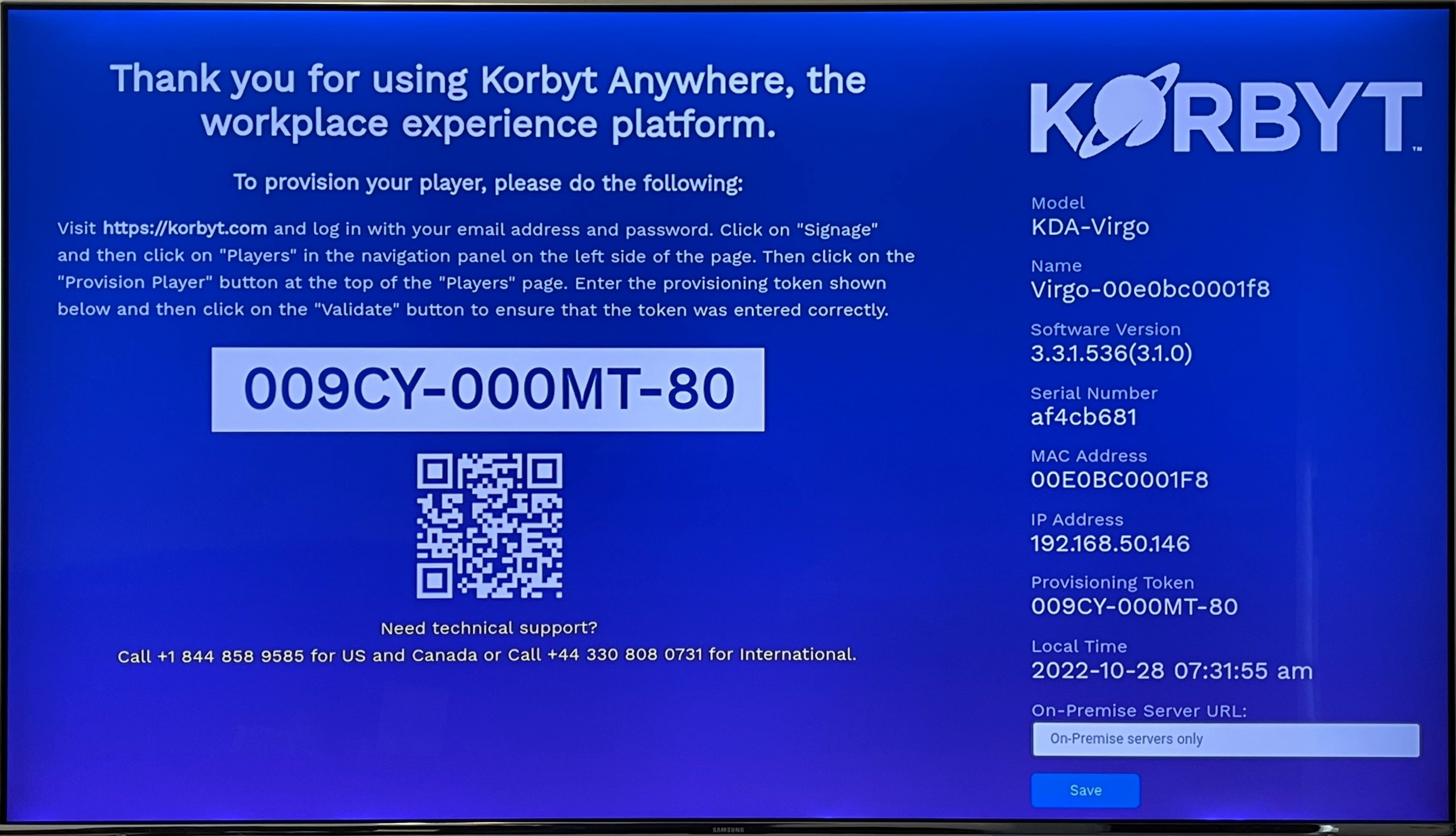
Or if your player was provisioned in advance, it will be playing either default content or assigned content.
If you need assistance provisioning your player to Korbyt once the software is running, please see: Adding Players to your Korbyt Tenant - Provisioning
BrightSign General Information Via Related Links Has information that might be helpful in managing your BrightSign