Using the Korbyt Anywhere Web Interface
Logging in and navigating the Web Interface for Korbyt Anywhere
Written By Ed Kinne
You can access the Korbyt Anywhere web interface by going to https://Korbyt.com/kaw. When logging into the Korbyt Anywhere web interface for the first time, users need to enter a unique company code along with their login credentials. Their organization will provide them with the company code and login credentials. You may be prompted to use multi-factor authentication.
Navigating Korbyt Anywhere Web Interface
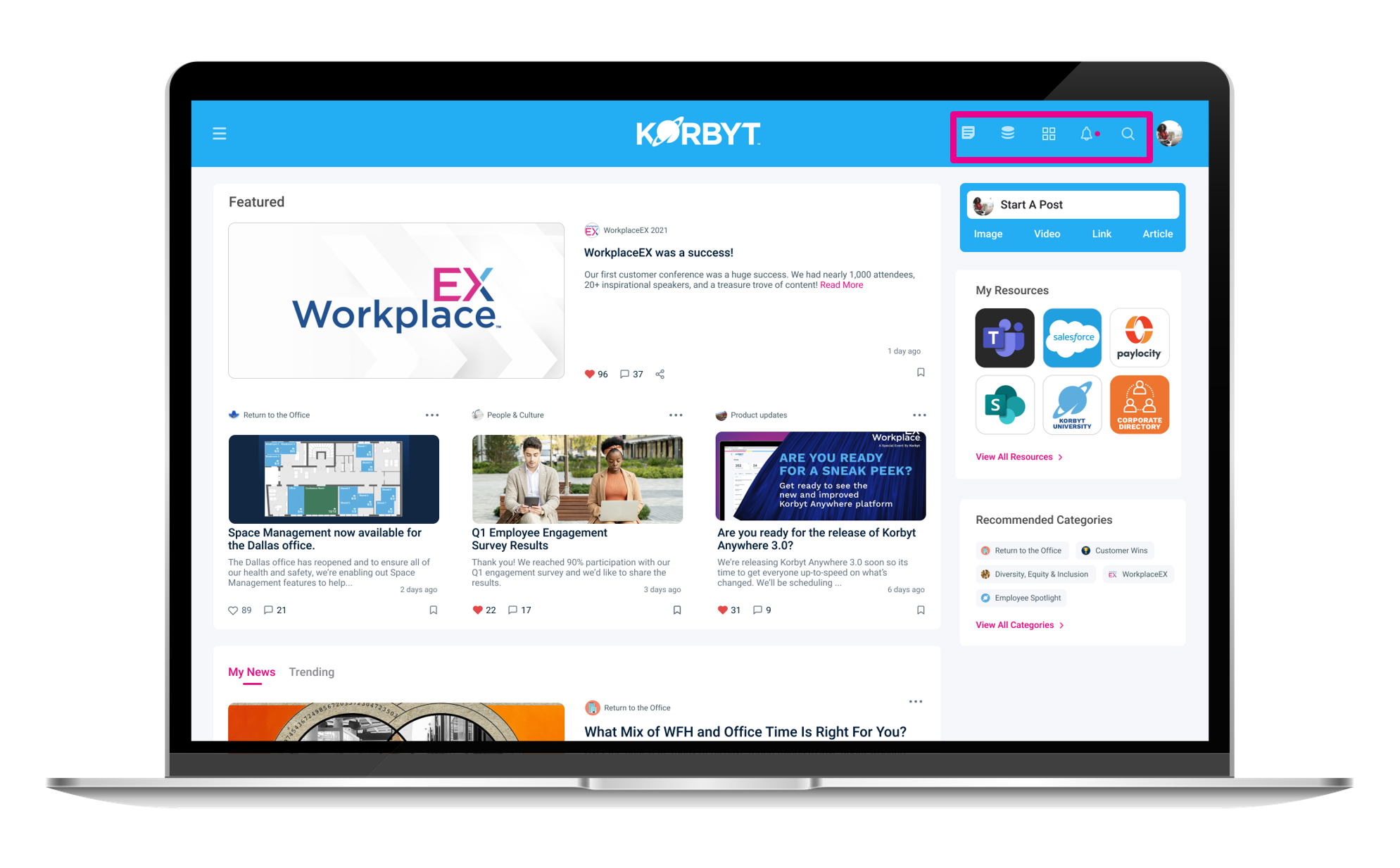
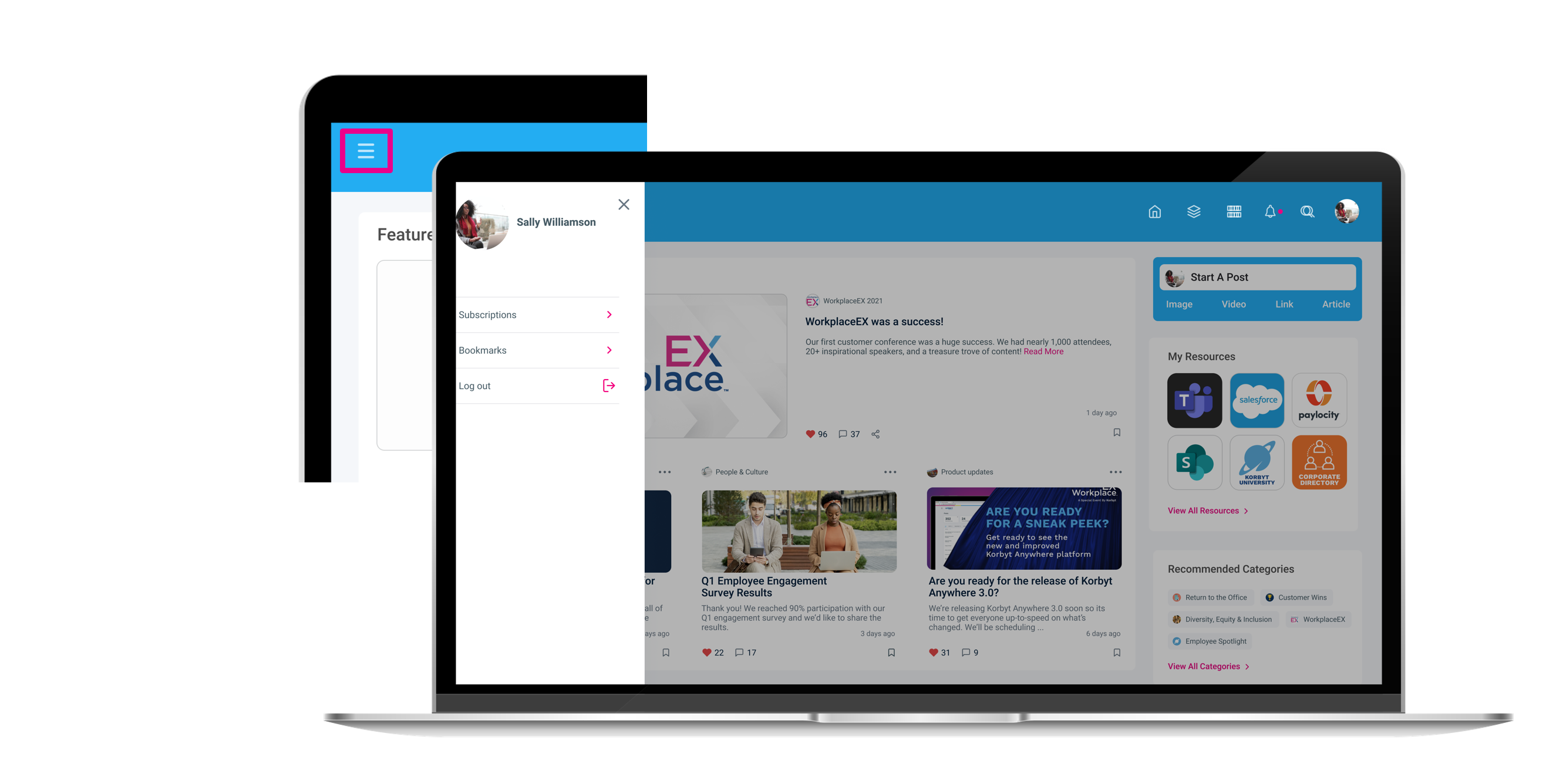
Use the navigation icons in the header to quickly jump between the news feed, resources, categories, notifications, and search. The dynamic search function allows you to find posts, categories, resources, and deep link to results. Access your profile in the upper right of the header to update your avatar. Use the hamburger menu to quickly get to your personalization options. These personalization options include:
Subscriptions: Subscribed categories
Bookmarks: Stored posts
Engaging with Posts
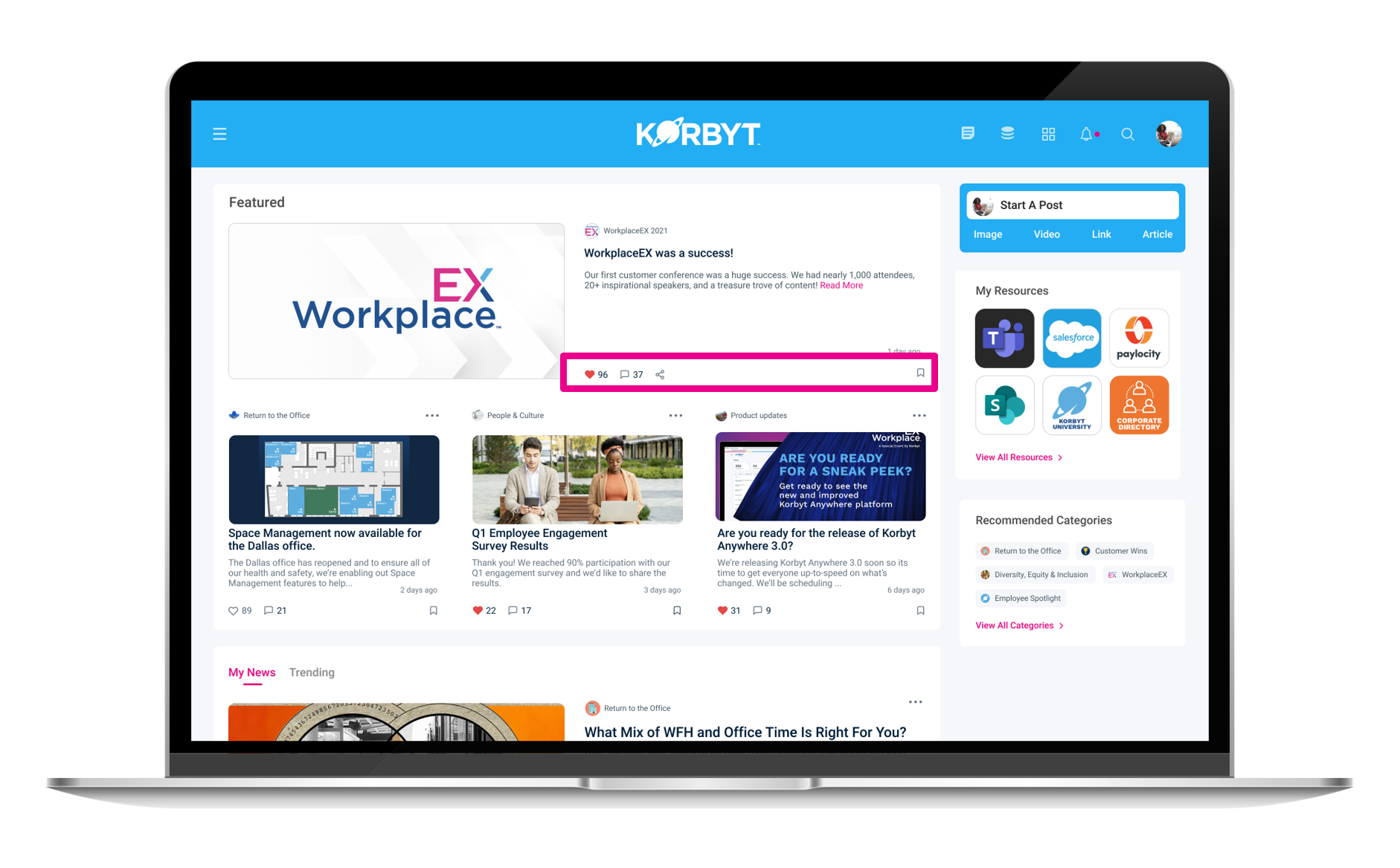
If enabled, you’ll be able to engage with posts by:
clicking the heart to let the author of the post know that their content is engaging. By clicking the corresponding number, you can find out who has already liked the post.
commenting, replying, and mentioning other users on a post to initiate conversation threads.
sharing posts through LinkedIn, Twitter, and Facebook.
You can also bookmark posts for future reference, as well as translate them into other languages.
Submitting Posts As a Users on the Web Interface
If your system administrators have allowed it, you will be able to generate new Newsfeed Posts
To create posts:
Click Start a post on the upper right of the
You can create image, video, link, and article posts by clicking the corresponding tabs.
Compose your Posts and Click Share to submit
If your administrators have set the system to require approval before publishing, you will not see the article in the newsfeed until it is approved