Configure A Player To Connect Through A Proxy?
This article reviews steps to set a Proxy Network on different palyers
Written By Ed Kinne
Navigate to your Player Specific Section
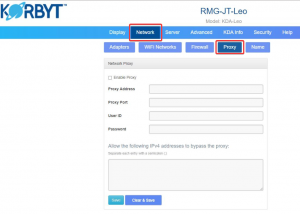
Configuring a proxy on RMG KDA players
Access player’s config page by entering the player’s IP address into a web browser that is on the same network as the player.
For info on accessing Configuration Page see KDA Player Configuration Page
Login to the player config page with the admin login.
Once in the player’s config page; go to “Network” tab, then “Proxy”.
Enter your company’s proxy info and then click the “Save” button.
Configuring a proxy on BrightSign players
If you need to provide a user name and password for the proxy, use this format: :@ (e.g., admin:root@myproxy.com).
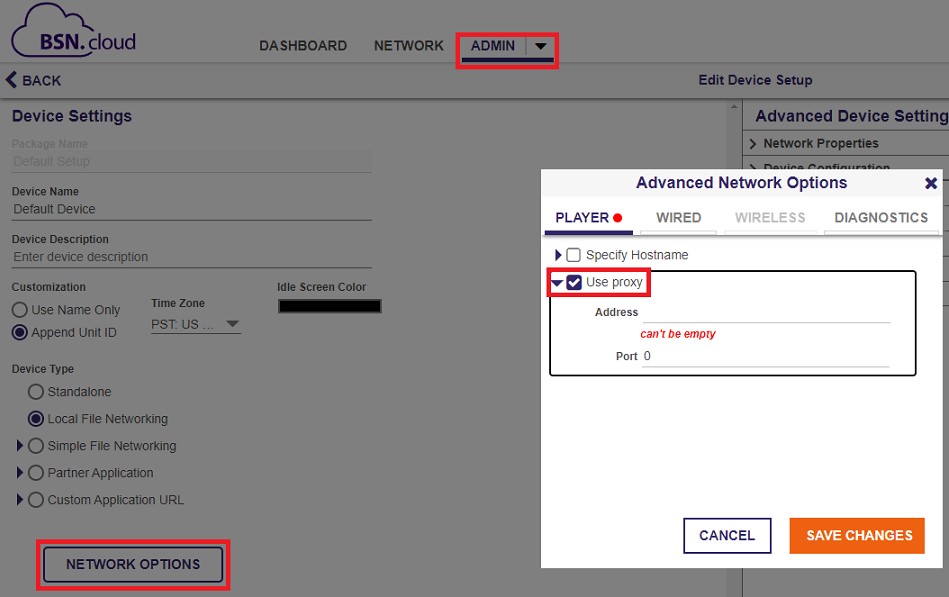
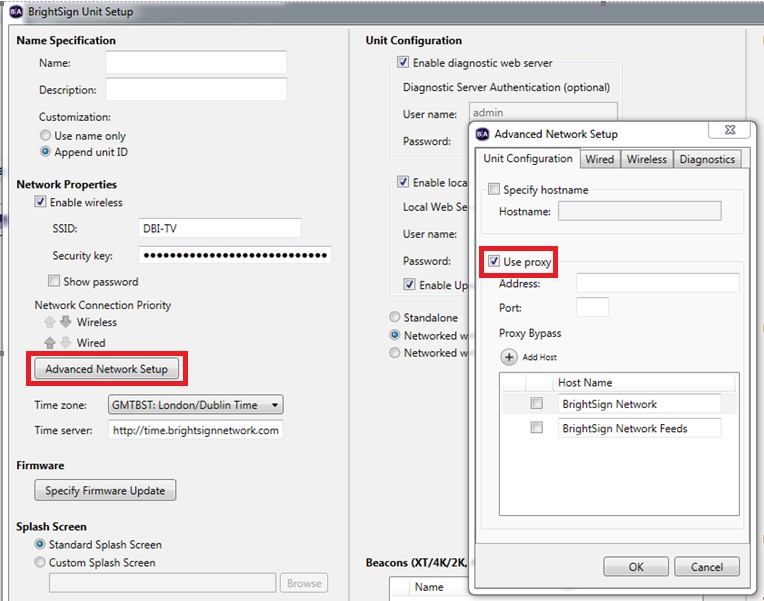
You can configure proxy for BrightSign players from either the BrightSign cloud console or from the Bright Author application.
BrightSign cloud console:
Bright Author application:
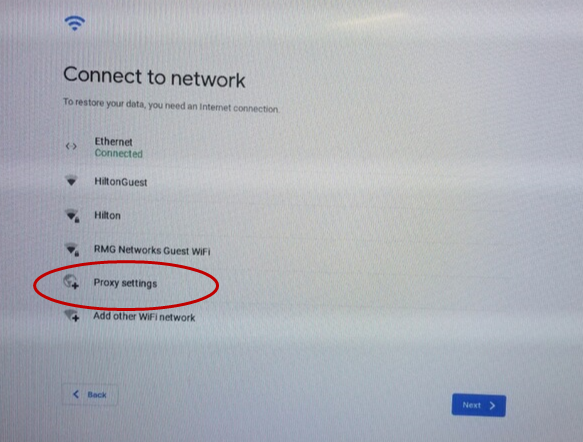
Configuring a proxy on Chromebox players
Connect a keyboard and mouse to the box.
Type CTL+ALT+X to restart and then CTL+ALT+S to interrupt the player.
Select the networks then “Proxy settings”
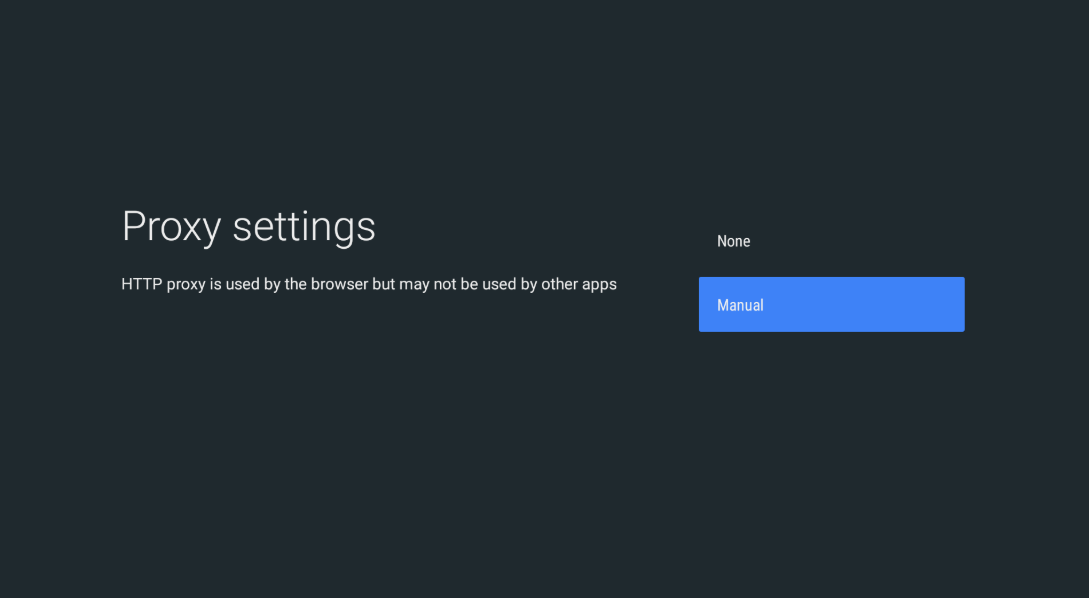
Configuring a proxy on Shield players
Under settings select network then select Proxy