Booking Admin - All User Calendar Settings
Publishing the View Only page of all available rooms to your Intranet
Written By Ed Kinne
Last updated 7 days ago
The All User Diary is a view-only page of available rooms. An external link to the page can be published on a corporate intranet.
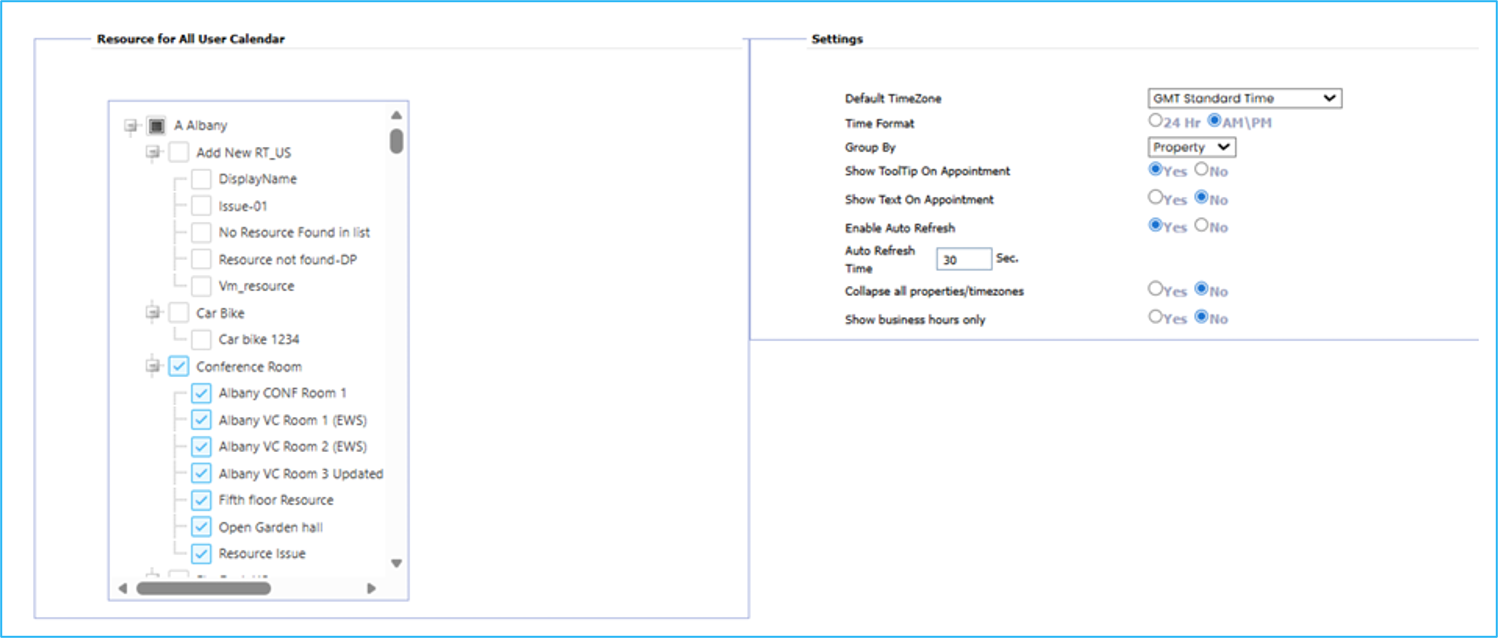
Go to Administration > Settings > All User Diary Settings
Select the Properties, Areas, and/or Resources check boxes to view on the All User Diary.
Adjust the settings to customize booking details. Click Save
Was this helpful?
Still need help? Share an idea