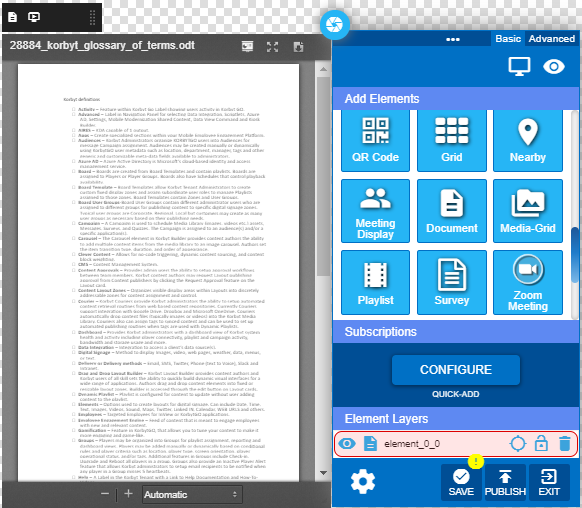
How To Use a Document Element
Add a document that is in the Media Manager to a Layout to be displayed
Written By Ed Kinne
NOTE: The document must be saved in an open format and imported into the Media Library.
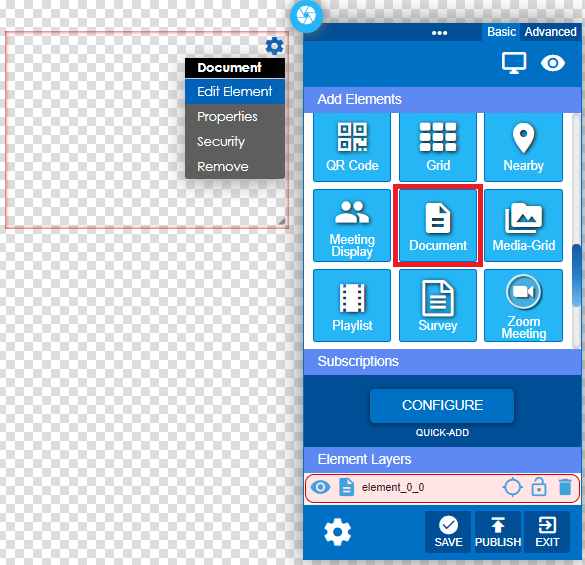
From within the layout, click and drag the Document Icon into the layout area and edit the element.
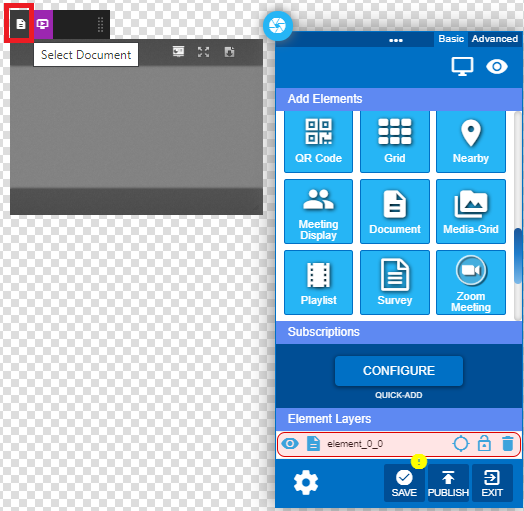
Click on the Select Document button to select the document from the Media Library.
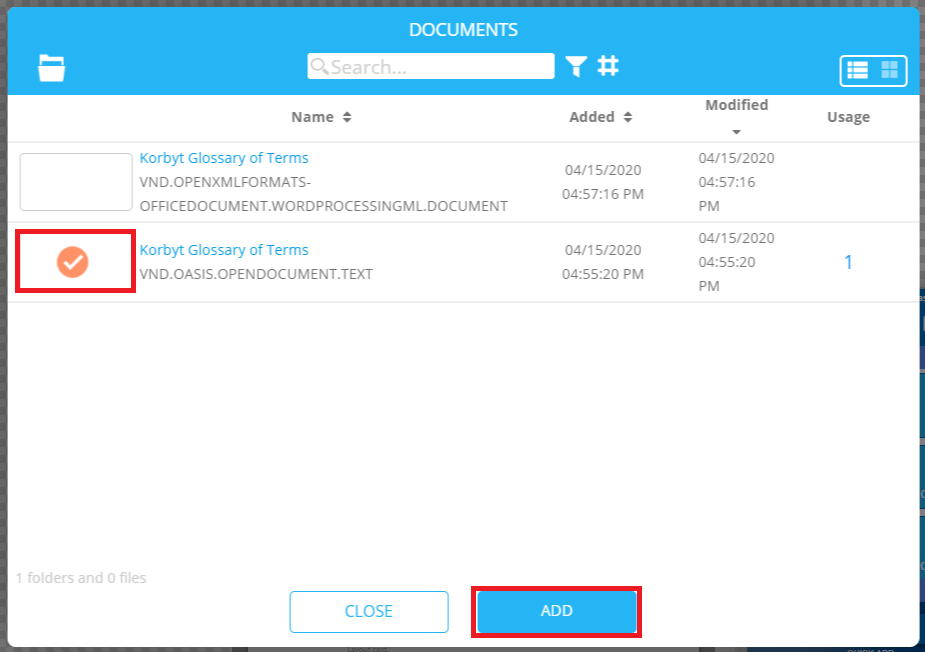
Select the document and click the ADD button.
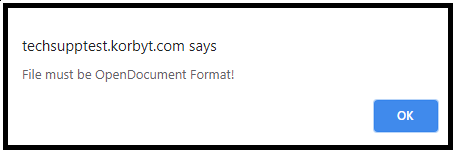
Error will display if the file has not been saved in the OpenDocument format.
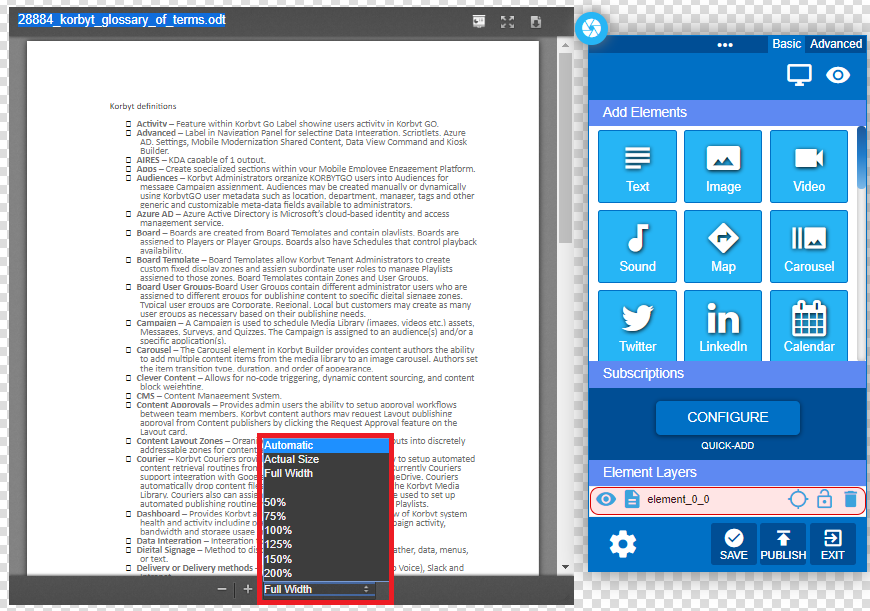
Select document size options.
Save the element and publish the layout.