How To Use a File List Element
Creates a list of files based on the content that has been loaded to a specific folder within the Media Manager.
Written By Ed Kinne
The list shows a Thumbnail and a file name, allowing the user to click the file to view it or download it depending on the file type.
Adding a File List Element
When you add a File List element to the canvas, it will open a selection window for you to select a folder from the Media Manager.
This will show the media items that are located in that folder, you can then use the Settings Gear > Edit Element to configure it further.
The File List will show items that are within that specific folder, it will not list Subfolders
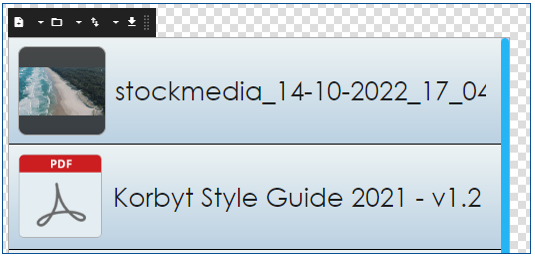
Icon | Settings Description |
 | File Folder allows you to select a different folder than the one initially chosen |
 | File Filter allows you to select what type of files to list on the layout. |
 | Order allows you to sort the files by their creation date or name, ascending or descending. |
 | Limit allows you to set how many files show in the layout. |
Once configured you will have a list of files that a user can interact with on an interactive display