Non-English Character And Language Support In Korbyt Signage
Written By Ed Kinne
While the Korbyt CSM interface is only available in English, the text entry fields in Korbyt will accept non-English characters when entered.
The characters can be entered by:
Typing, if your computer has the appropriate character set turned on in the Keyboard and Language support settings
Copy and Pasted in plain text from a source with the correct characters
Translated to the characters in many browsers’ built-in tools such as Chromium accessibility and Google Chrome Translate
The areas in Korbyt that support non-English characters include:
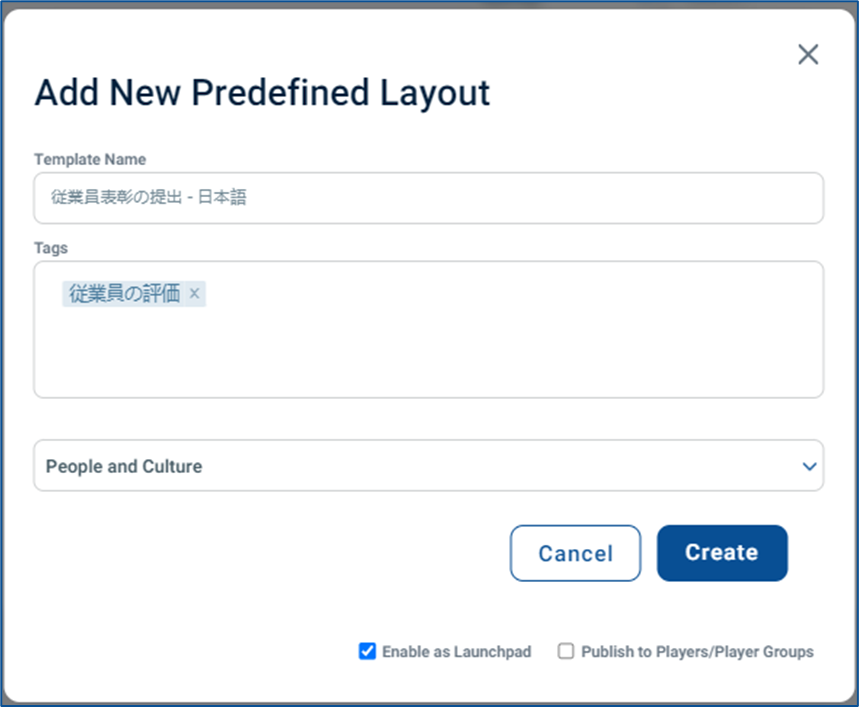
Content Titles/Names, Descriptions, and Tags
Builder Tool Elements that accept text that is typed or pasted
Text-Note
Ticker
Button
Form Builder
Attribute Labels for Predefined Layout Elements in the Builder Tool
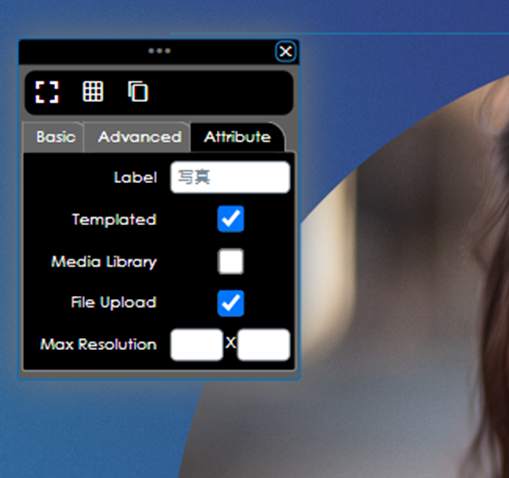
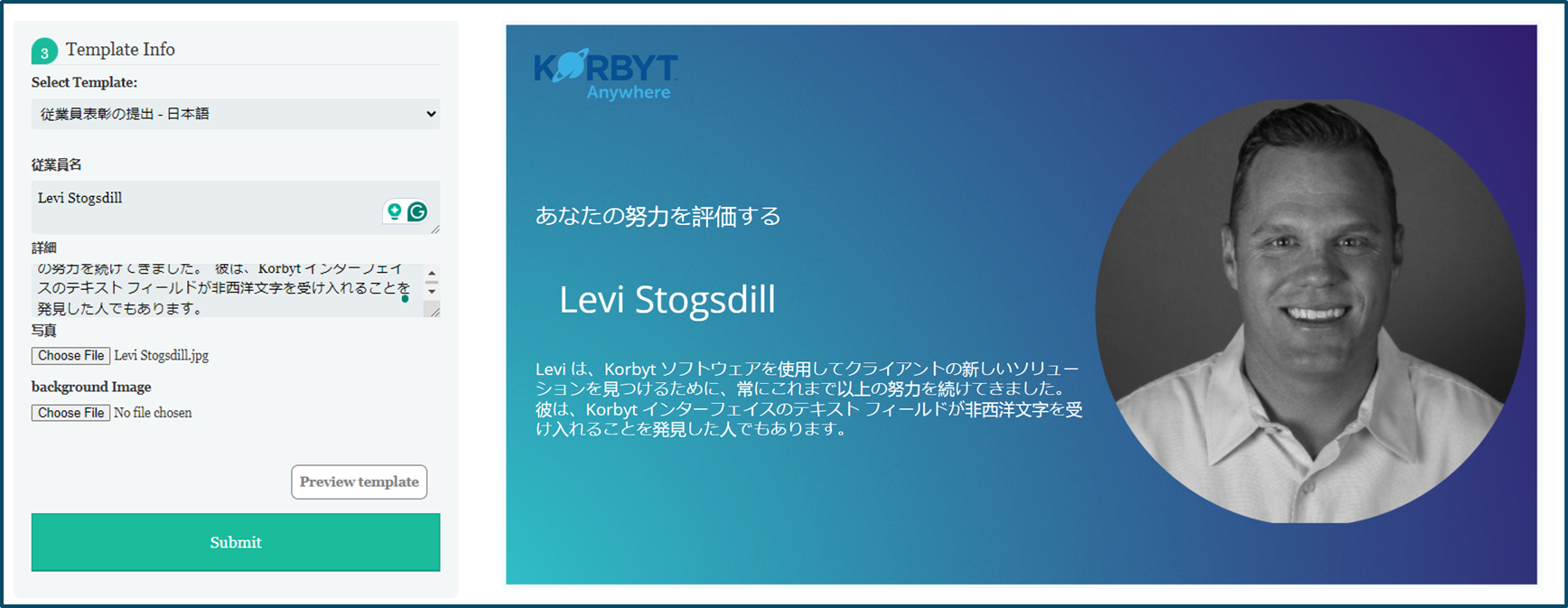
Those Labels will also be the characters used in the Predefined Web Submission Form, and the text characters entered into the form will carry over to the design itself
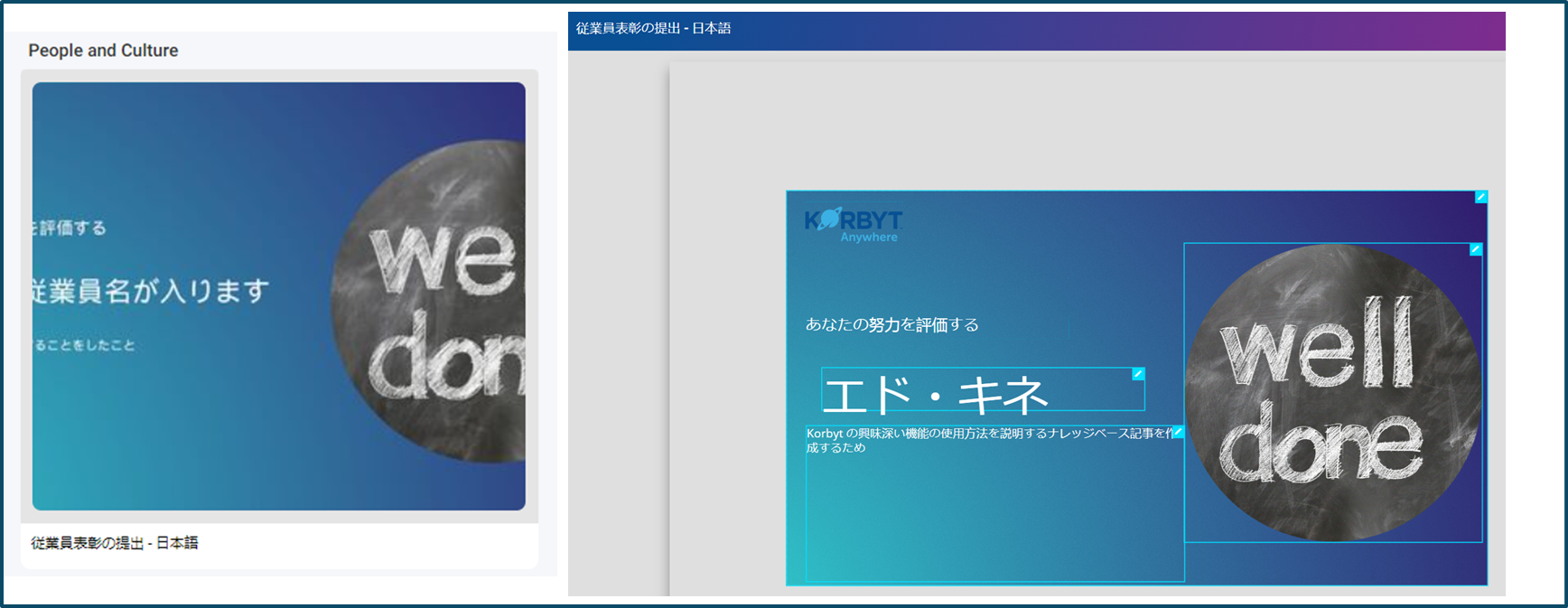
They are also used in the descriptions and placeholder values in the Launchpad templates
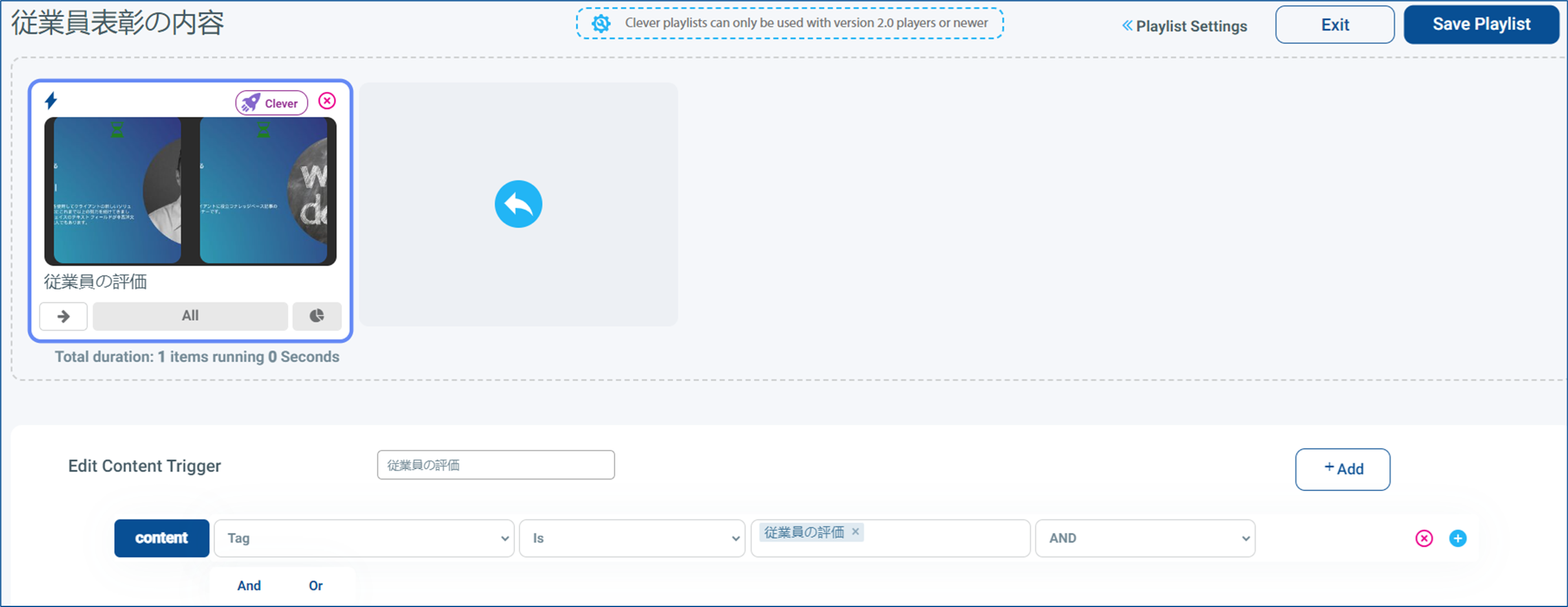
Playlist Names, Clever Trigger Names, and Tags that are part of the evaluation of a clever rule
Playlist information including Player Alias, and Metadata
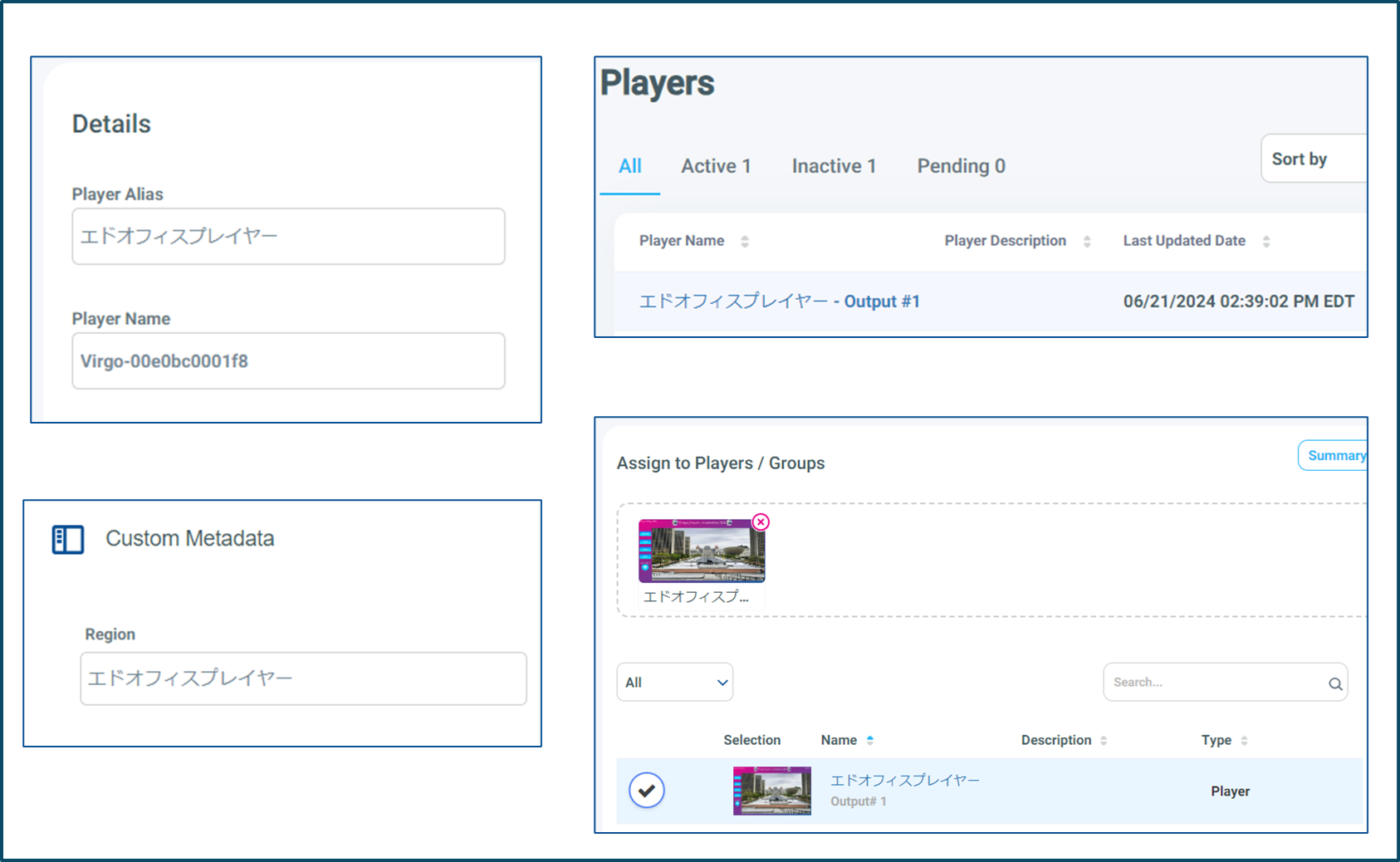
Which is displayed in the player list and in the Playlist/Player Assignment area
Player Name does not accept non-western characters