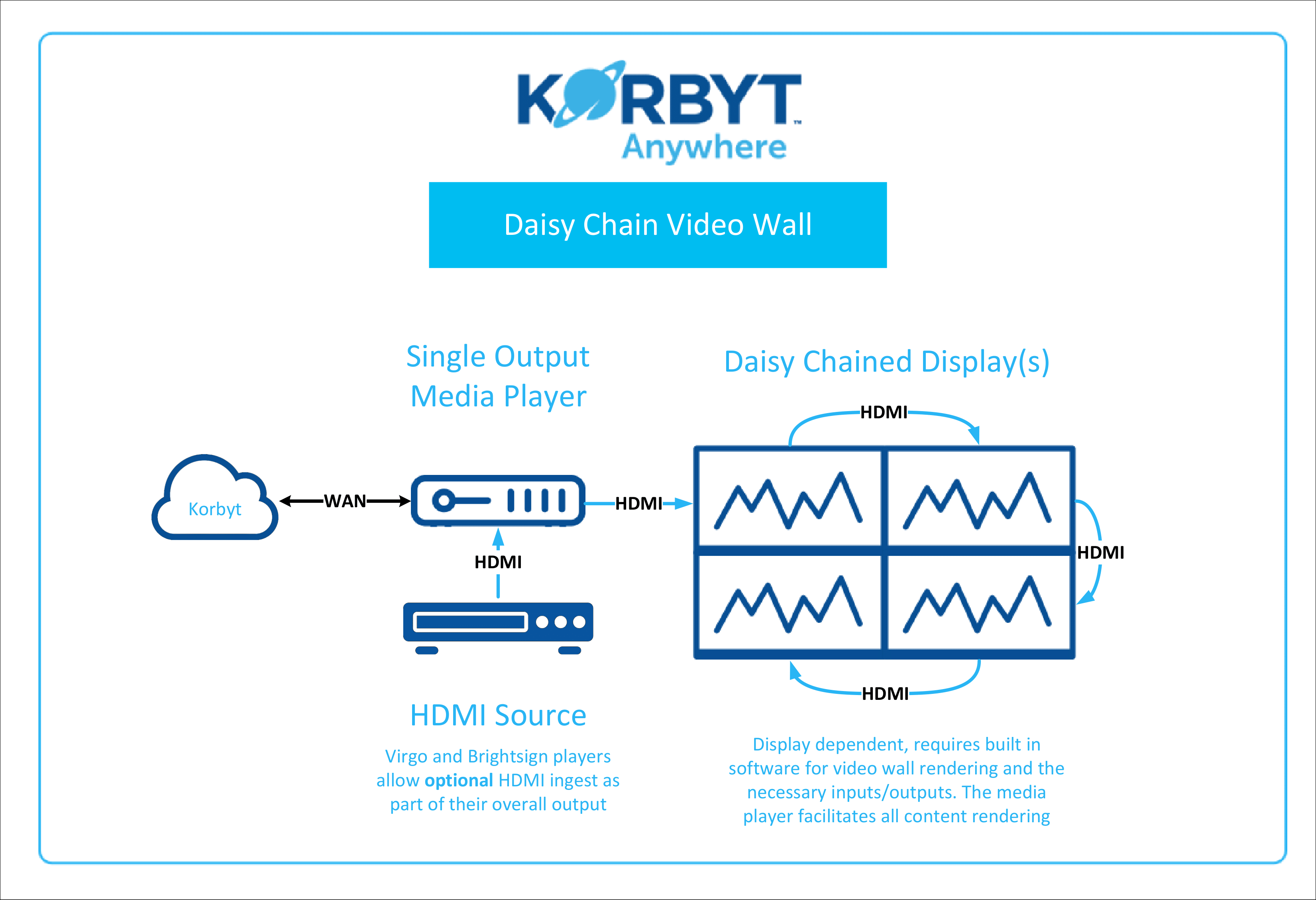
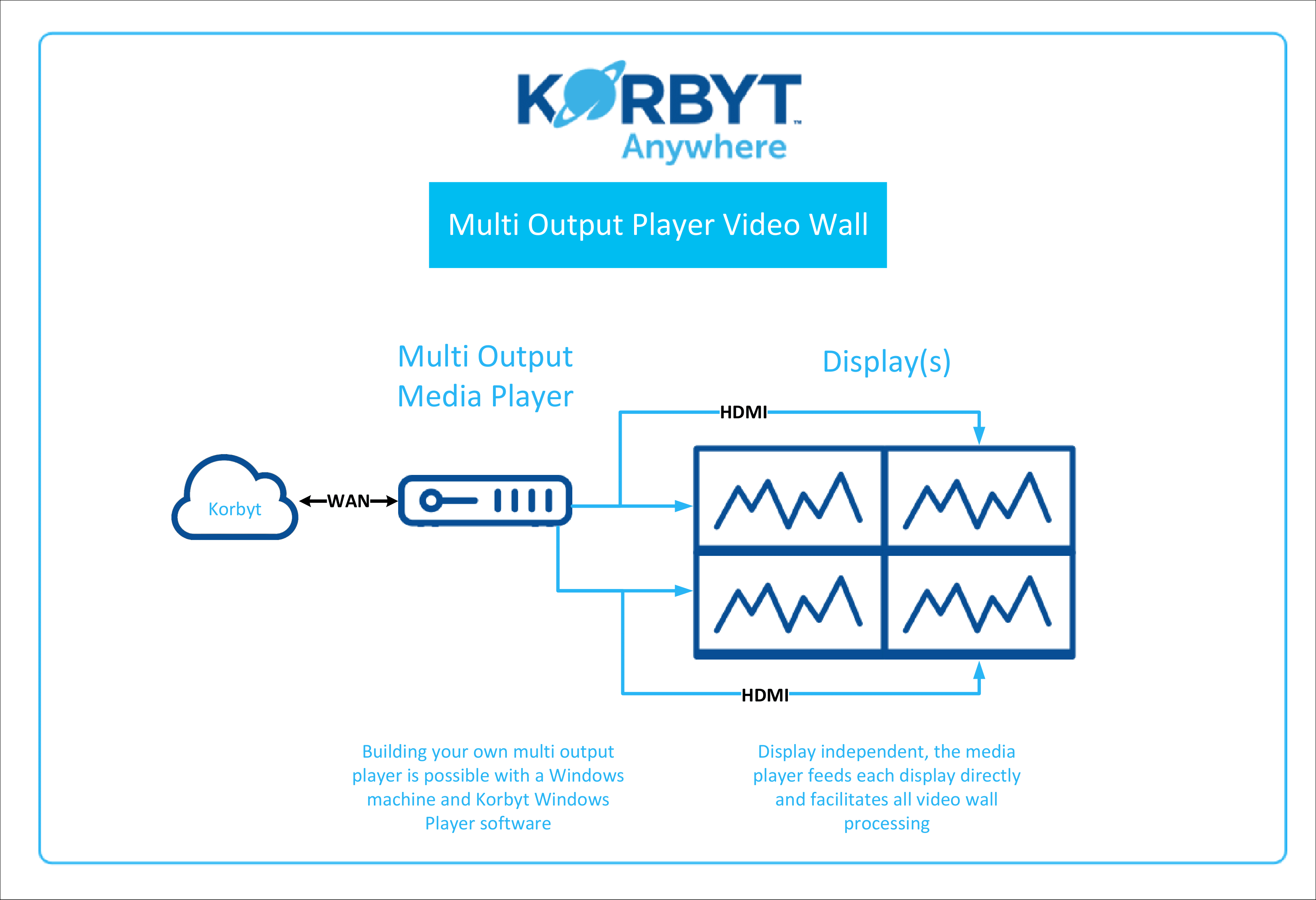
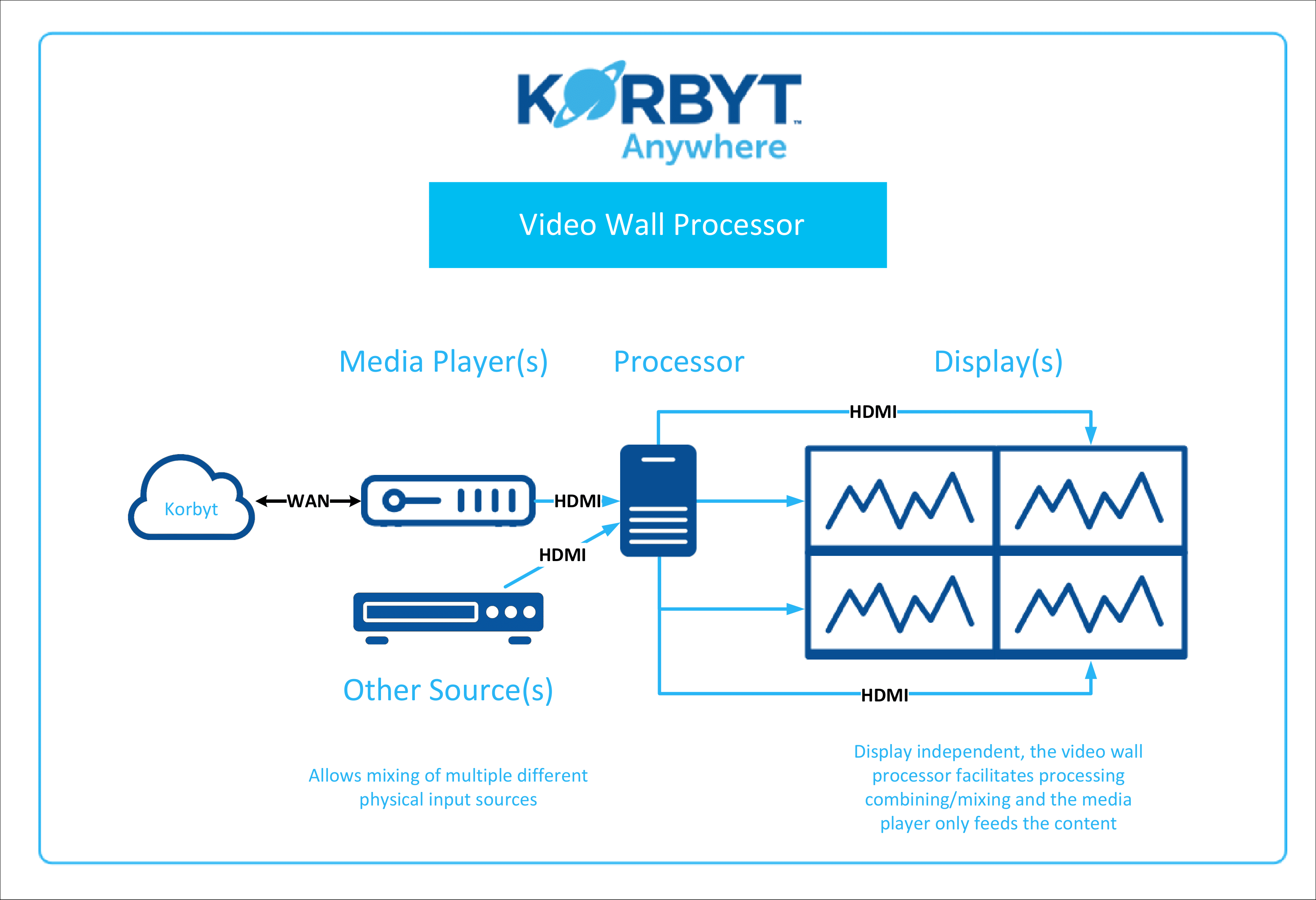
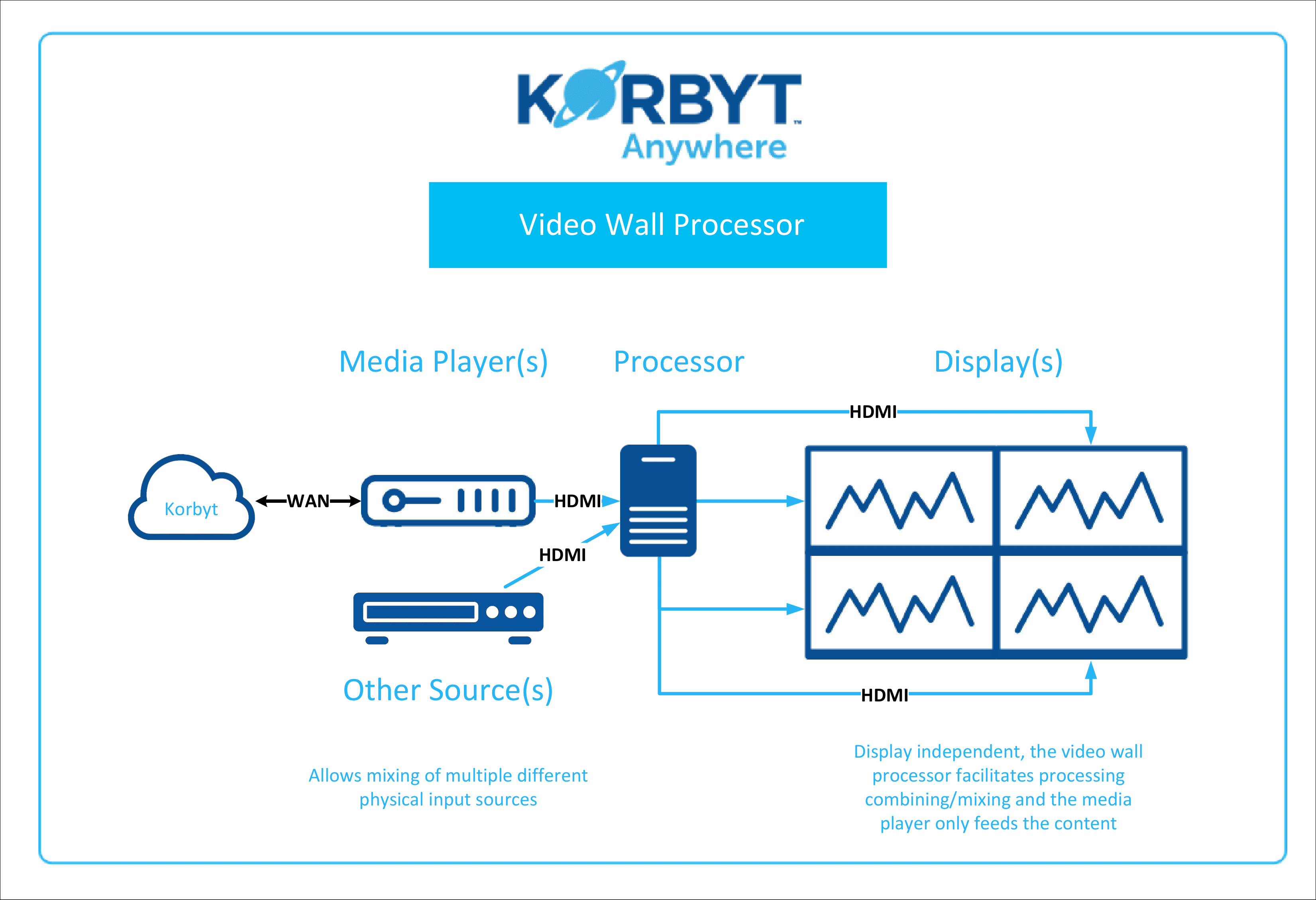
Korbyt Video Wall Configuration Example Diagrams
Written By Ed Kinne
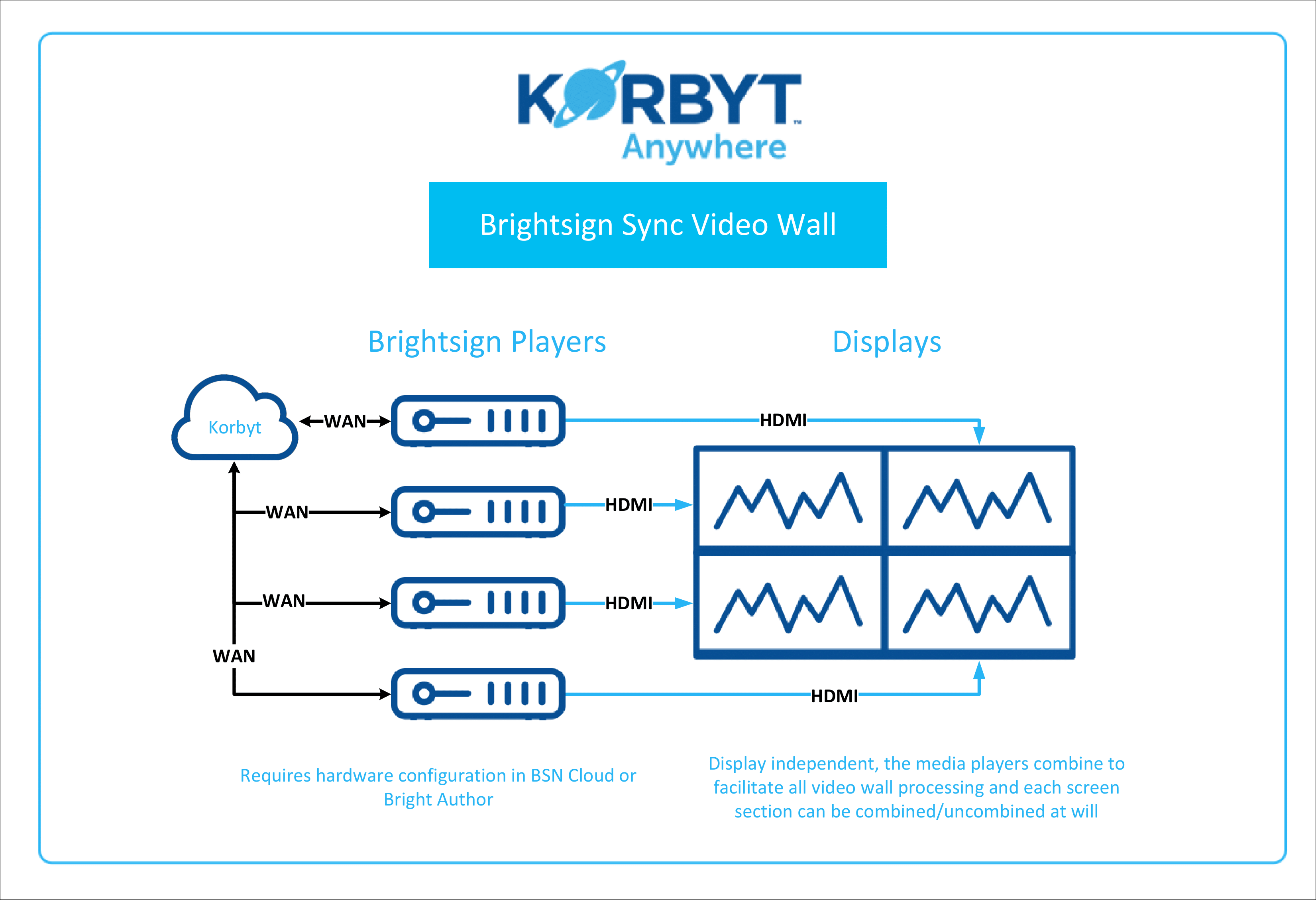
This document is intended to show a variety of video wall implementation architectures as examples of what is possible. These examples are dependent on third party hardware and may not be supported as a result.
Content Configuration
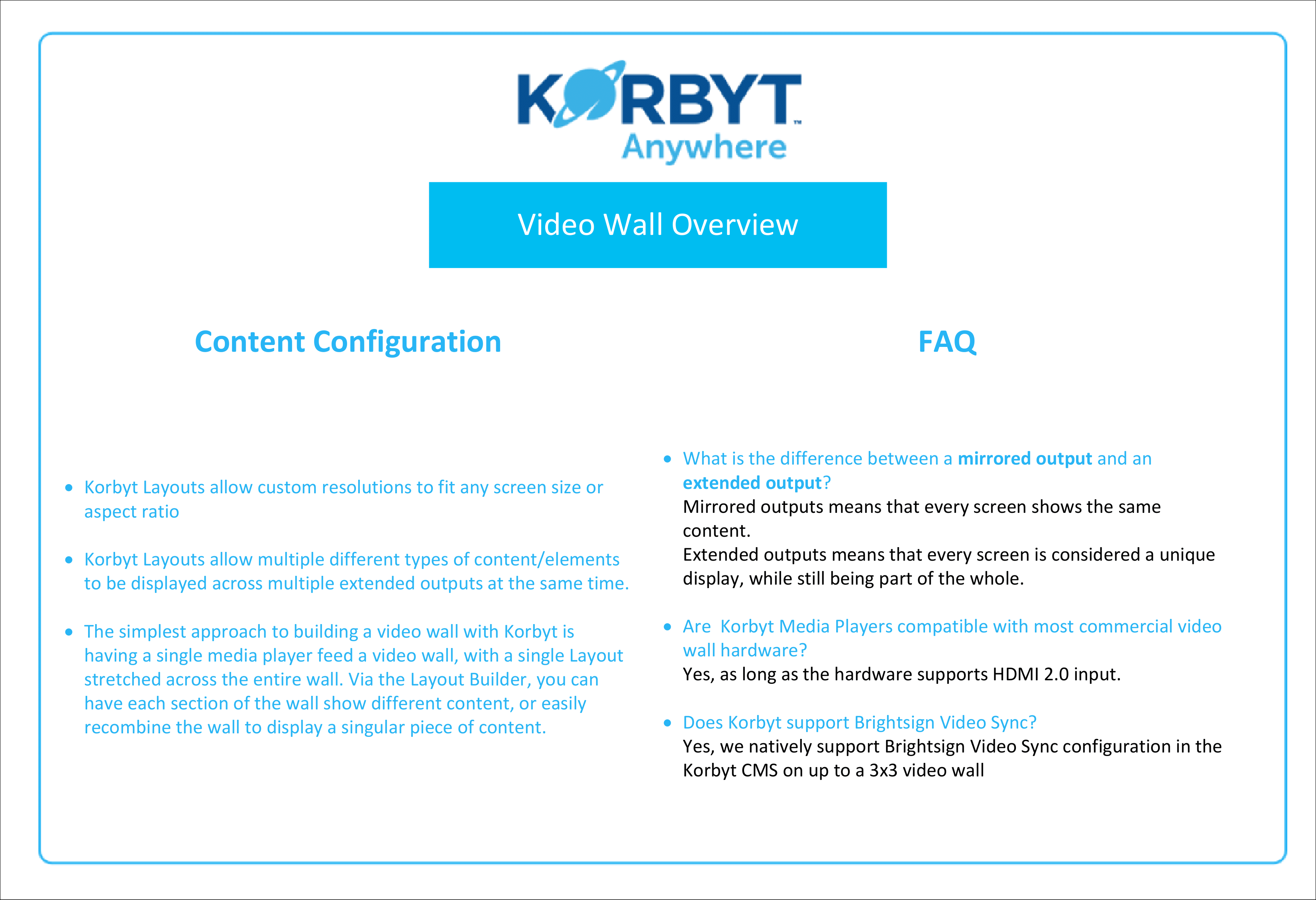
Korbyt Layouts allow custom resolutions to fit any screen size or aspect ratio
Korbyt Layouts allow multiple different types of content/elements to be displayed across multiple extended outputs at the same time.
The simplest approach to building a video wall with Korbyt is having a single media player feed a video wall, with a single Layout stretched across the entire wall. Via the Layout Builder, you can have each section of the wall show different content, or easily recombine the wall to display a singular piece of content.
FAQ
Q. What is the difference between a mirrored output and an extended output?
A. Mirrored outputs means that every screen shows the same content. Extended outputs means that every screen is considered a unique display, while still being part of the whole.
Q. Are Korbyt Media Players compatible with most commercial video wall hardware?
A. Yes, as long as the hardware supports HDMI 2.0 input.
Q. Does Korbyt support Brightsign Video Sync?
A. Yes, we natively support Brightsign Video Sync configuration in the Korbyt CMS on up to a 3×3 video wall. Note: Brightsign Video Sync only supports full screen video content
Diagrams
Video-Wall-Configuration-Examples.pdf
166.3 KB• Document