Welcome to the NEW Korbyt Knowledge base
Written By Ed Kinne
Hello and Welcome to the New Korbyt Knowledge Base
This document is meant to help you get the most out of our new home for our support documents.
Searching
The improved search engine in the new Product Portal will find relevant articles based on the context of your search and compare them to the full content of all the support articles.
It will provide a list of possible articles that updates as you type your search.
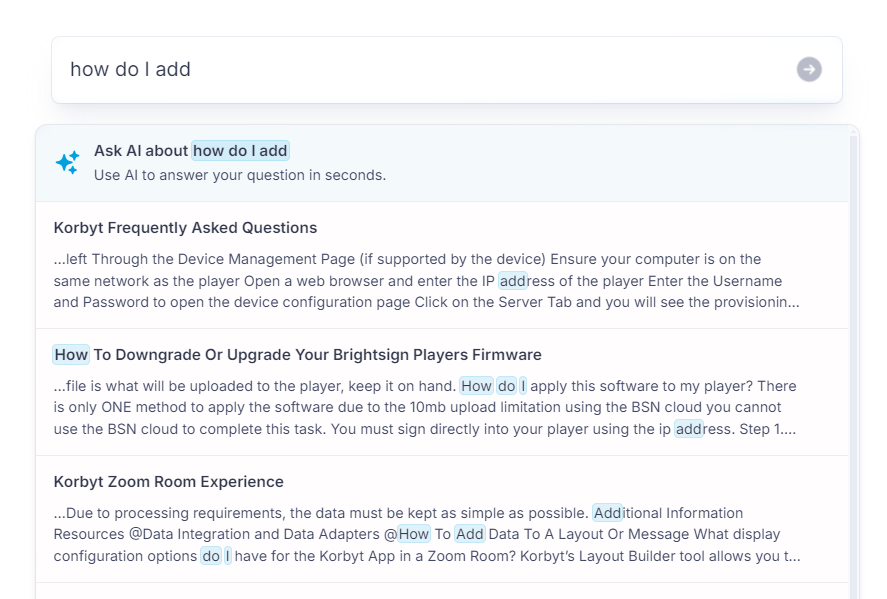
With the Ask AI search feature, you can receive a summary answering your question without having to read an entire article
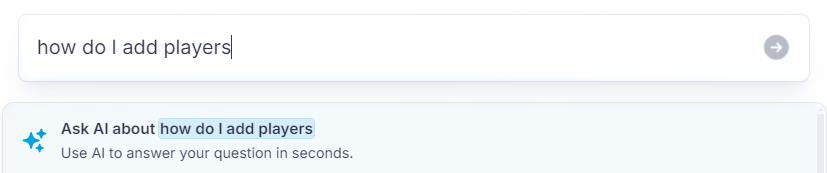
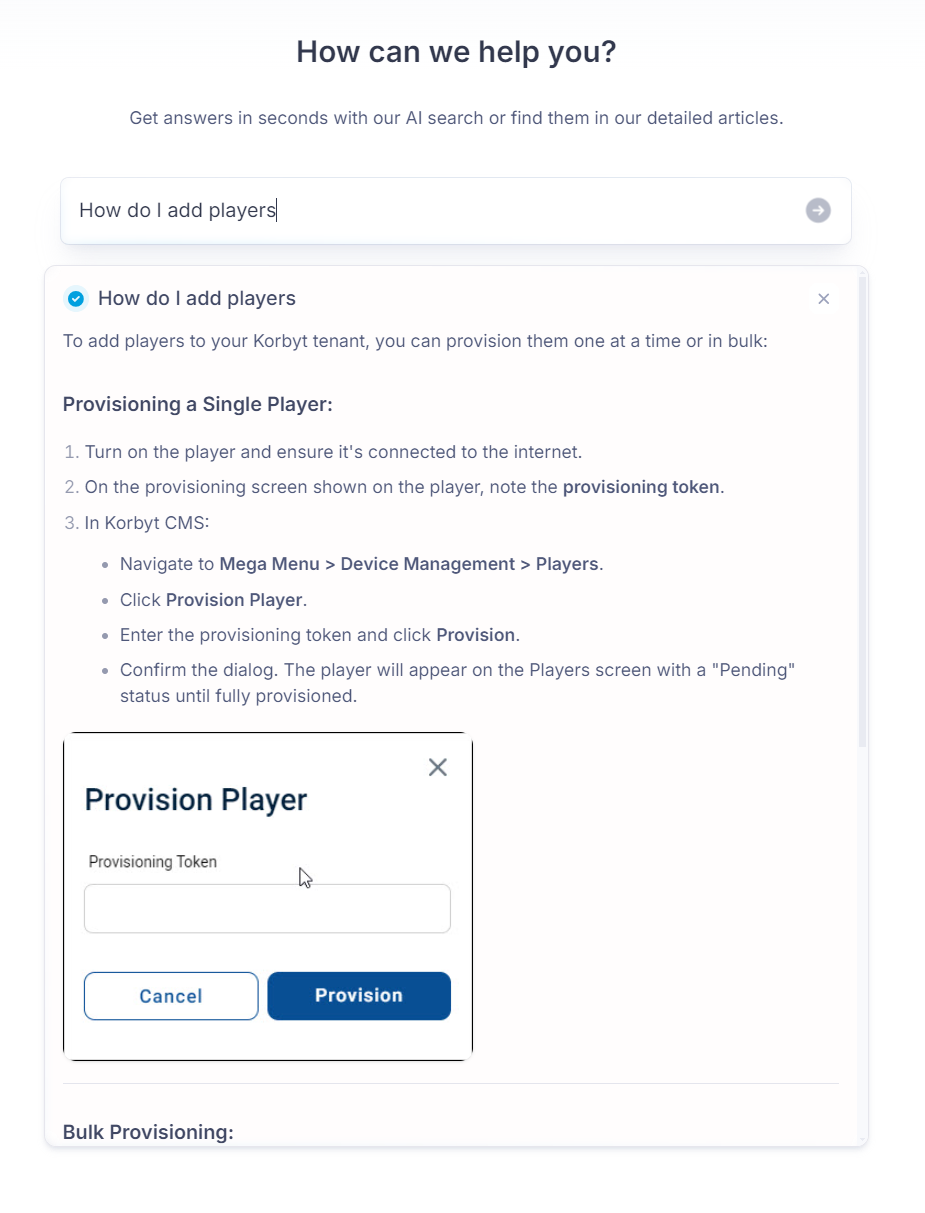
This can pull steps or information from within an article, saving you the time of having to read the entire document to find your specific answer. A link to the more detailed article is provided at the bottom of the summary window.
You can still see a list of all articles relevant to your search
Browsing The Catalog
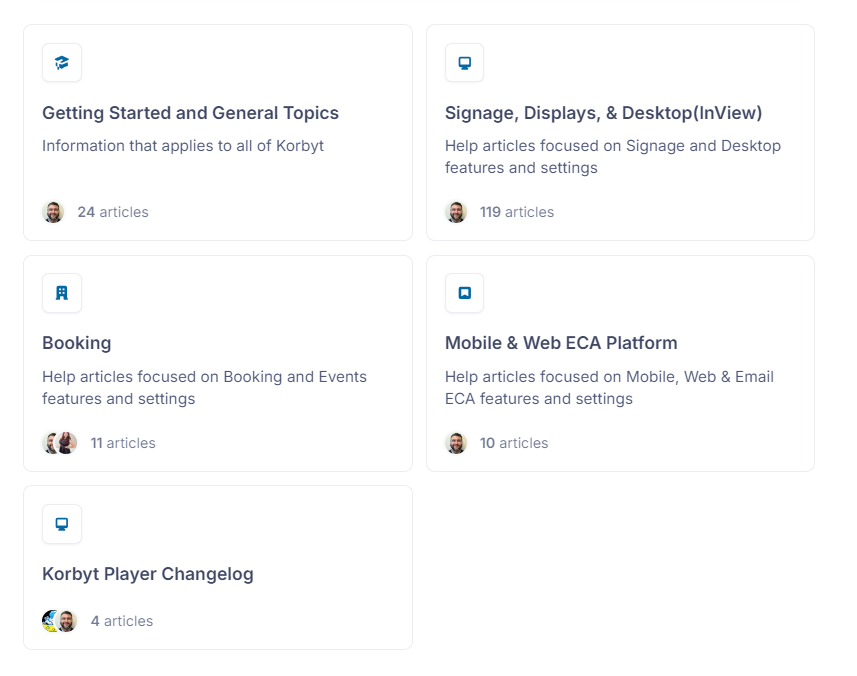
You can browse Articles by clicking a category in the center
Categories and Sub-Categories
Navigation Menu
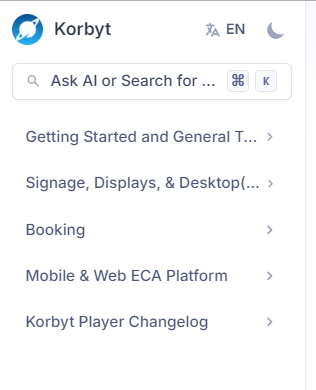
Or by using the Navigation menu on the left
Light / Dark Mode
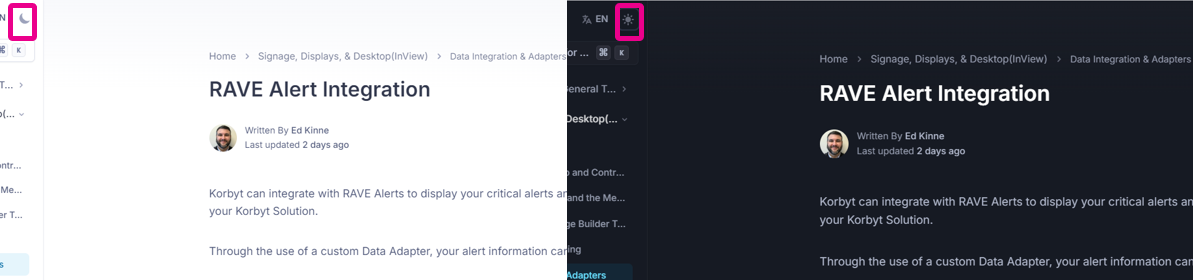
In the Navigation menu, you can also select a Light or Dark Theme, create a new search at any time, and change between languages (currently English and Spanish)
Reading an Article
Article Contents
Some articles may have a lot of information, you can skip to any section by using the On this page section to the right of any article
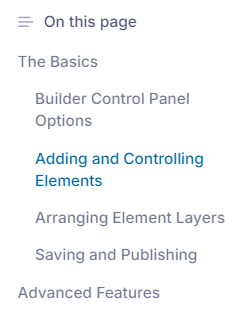
The section you are in will be bold; click any other section to navigate there.
Expandable Sections
We realize that sometimes you don’t need all the details of a particular screen or menu; in those instances, there may be an expandable section you can open for more details.
Watch for the down arrow symbol to expand an area

Linked Articles
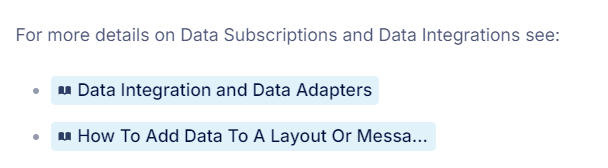
Sometimes details are shared in another article, linked articles are shared with their name and will open a new tab
Article Feedback
At the bottom of the On this page section, there are icons to provide feedback on that article
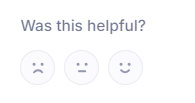
We appreciate all feedback, if you like an article, thank you.
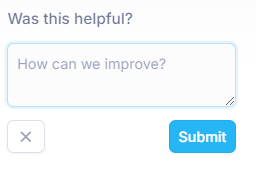
If the article was not as helpful as you would like, please share how we can do better
We hope that this system allows you to more easily find the information you are looking for