How To Use a Microsoft Teams Element
The Teams Element allows the user to setup Microsoft Team in a layout.
Written By Ed Kinne
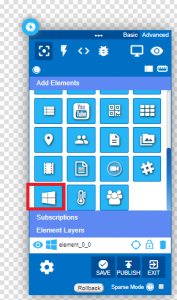
In the Layout Builder, find the Microsoft Teams Element button and drag it to the layout.
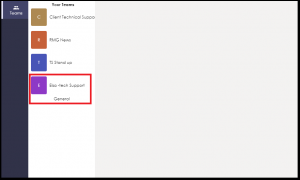
The builder in the layout shows the Microsoft Teams that are currently active. In the example below, the Microsoft Team element displays three teams in the list.
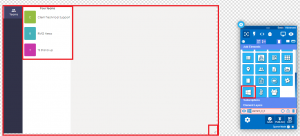
Click on the “Publish” button to save the element.
Add a new team from the Microsoft Teams mobile app.
Edit the new layout – after a new team is added in the Microsoft Teams mobile application, the Korbyt layout will update to display the newly added team.
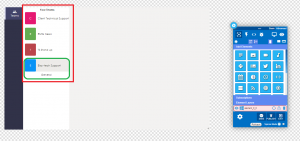
Preview the Korbyt layout to display the newly added Team.
Any advanced features can be added/edited using the element properties.
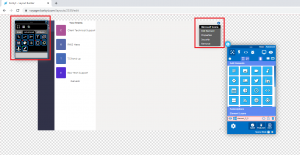
When done making the appropriate selections, click on the “Publish” button.